Long-form
Lip sync beyond a short reaction clip
The tool accepts a complete track so a three or four minute song can stay one continuous performance request.
 songface
Song to video
songface
Song to video
Give a still portrait the timing of your song.
This photo lip sync video maker turns one clear portrait into a singing performance driven by your full audio track. Add a song, keep one recognizable character, and create a video sized for Shorts, Reels, or YouTube.
Pay per video when ordering opens. One purchase includes the complete MP4.
Performance console
Generation status
Your files are safely queued. Keep this page open to follow the job.
Watermarked preview
Full downloads remain private during the controlled launch.
Photo to performance · 01–03
A good singing photo needs more than a moving mouth. Songface submits the complete vocal performance as one job, preserves a stable portrait, and restores your original audio for the final file.
Upload your MP3 or WAV, or import a public Suno or Udio share link. Optional lyrics can travel with the project for later subtitle work.
Add one clear photo and select a vertical or landscape layout. A centered face with visible lips gives the model the strongest starting point.
When ordering opens, confirm the price and pay with PayPal before generation starts. Your purchase will include the complete MP4 without a Songface watermark.
What stays consistent
Songface keeps the generation brief simple, then handles the practical work of preparing media, tracking the remote job, and packaging the final video.
Long-form
The tool accepts a complete track so a three or four minute song can stay one continuous performance request.
Identity
The face starts from the same uploaded image for the whole job, reducing the character changes that appear across separately prompted shots.
Composition
Use 9:16 for TikTok, Reels, and Shorts, or 16:9 for a standard YouTube music video.
Delivery
The output is packaged for browser preview and everyday publishing, with your original track returned to the video.
Use cases
Use a clear portrait and your own performance to create a direct-to-camera music clip.
Give a character illustration a vocal performance while using the same face from start to finish.
Pair a licensed custom song with a family photo for a birthday or commemorative video.
A useful first frame
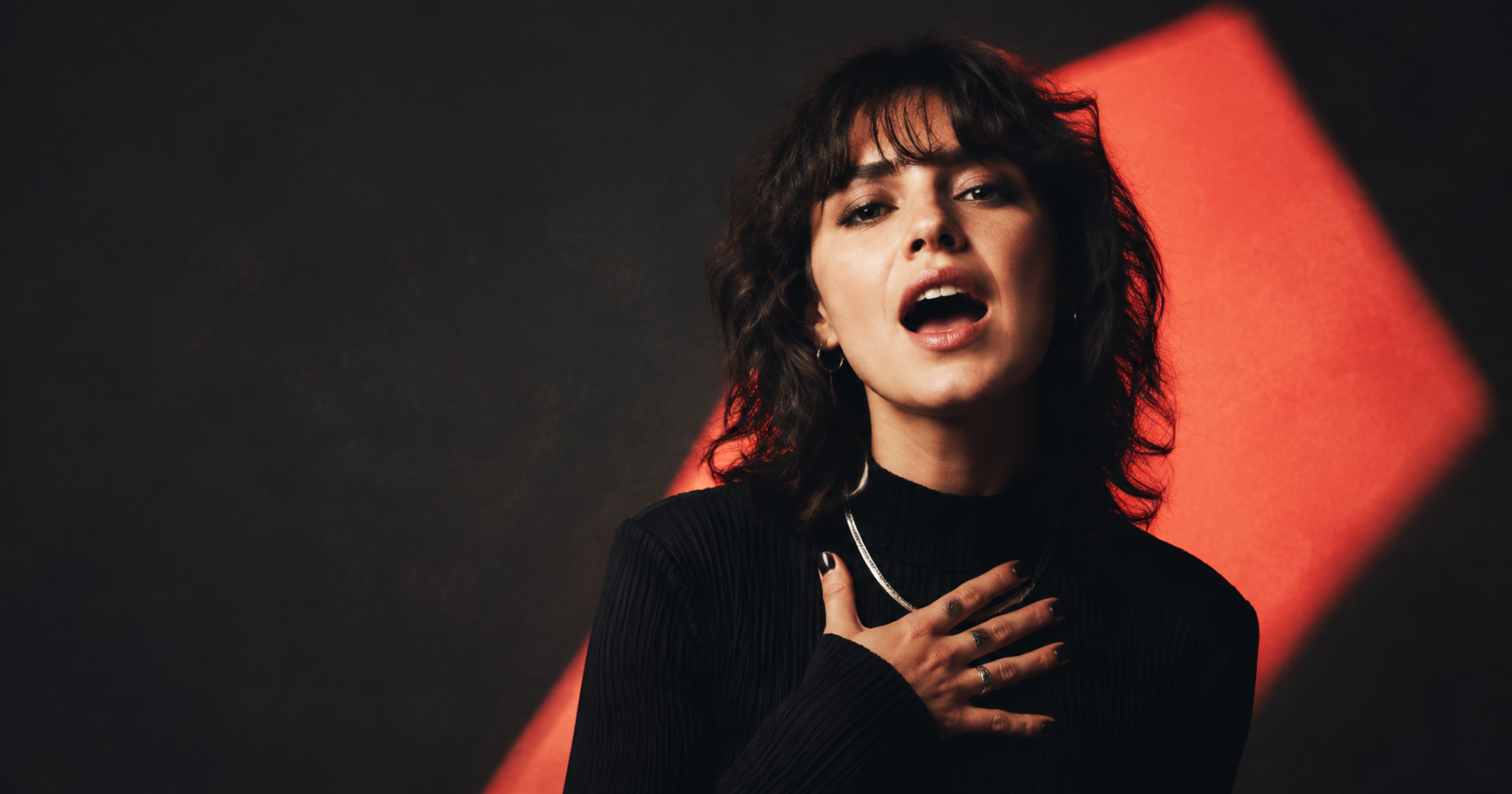
Use a sharp, evenly lit portrait with the person facing the camera. Keep the entire mouth visible and leave a little space around the head for natural movement.
Clear answers
Songface is planned as a pay-per-video service with no free AI generation tier. You will see the price before paying with PayPal. Paid ordering is not open yet.
Upload a clear portrait, add an MP3 or WAV song, choose the video shape, and start the job. The audio drives the face and lip movement in the resulting video.
Yes. Songface is built to accept complete songs rather than only a few seconds of audio. The current input limit is 10 minutes.
It accepts public Suno and Udio share links supplied by the user. You can upload the downloaded MP3 or WAV directly if a link cannot be imported.
The source photo anchors the face throughout the job. A sharp, front-facing portrait with one person provides the most consistent result, though AI motion can still introduce visual changes.
Yes. Select 9:16 for TikTok, Instagram Reels, and YouTube Shorts. Select 16:9 for a landscape video.
No. Lyrics are optional in the first version. Adding them saves the text with the job for future subtitle and alignment features.
Start with what you have